











The 888bet app is an Android application that puts the sportsbook, casino and account tools of the site behind one icon on your home screen. Instead of opening a browser and waiting for a page to load, you tap once and land on the current betting area. This guide explains the download process from start to finish, including where the installer comes from, what an APK file is and how setup works on an Android phone in Tanzania.
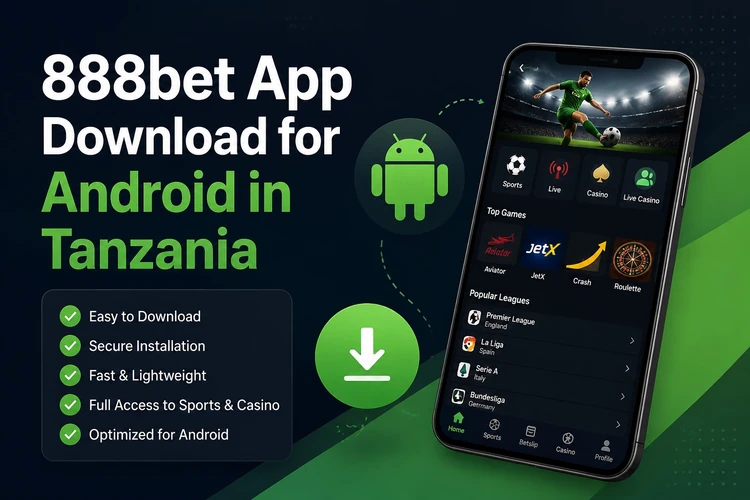
It suits bettors who fill a slip several times a week, follow markets while a match is running or manage their account from one device. Anyone watching a data bundle may also prefer an installed interface, although odds, results and account information still require an internet connection. iPhone owners can use the mobile version of the site in Safari. 18+
Why Choose the 888bet App?
Launch time is useful for regular users. The layout is already installed on the phone, so the app mainly needs to load changing information such as odds, balances and results. Menus are designed for a touchscreen rather than simply being reduced from a desktop page. This puts the bet slip, search field and league lists within easier reach.
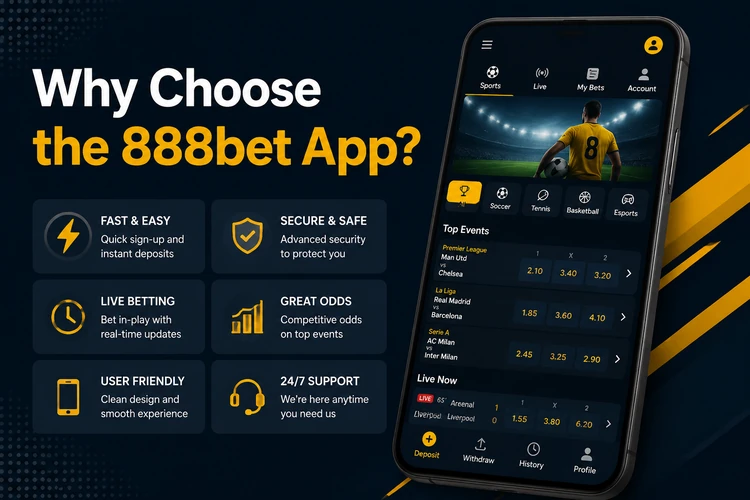
The sports area includes pre-match and in-play events, while the gaming area provides access to casino content and Aviator. Account controls, deposits and withdrawals are handled in the same app session where those services are available. Before using any payment option, check the displayed fees, processing conditions and minimum amounts rather than assuming they are identical for every method.
How to Download 888bet App
For an Android installation, use the download option presented on the official website rather than a file-sharing page or an unofficial app store. Open the site in Chrome, then check the mobile menu or footer for the Android download entry. Using the operator's own source reduces the risk of receiving a modified installer.
The file may be several dozen megabytes, so Wi-Fi or a sufficient data bundle is helpful. Chrome can warn that an APK may harm the device; that warning is common for files installed outside Google Play. Continue only when you started the download from the official site, and leave the file in place until installation is complete.
- Step 1: Open the official website in your mobile browser.
- Step 2: Find the Android app section in the menu or footer.
- Step 3: Tap the download button and confirm the browser prompt.
- Step 4: Wait for the notification that the file is ready.
- Step 5: Open it from notifications or the Downloads folder to begin setup.
Installing the APK on Android
An APK is the standard Android package format used to install an application. Installing one by hand is called sideloading, and Android asks for permission from the source that supplied the file. On Android 8 and newer, tap the downloaded file, choose Settings in the prompt and allow your browser to install unknown apps. Older versions usually have an Unknown sources switch under Security.
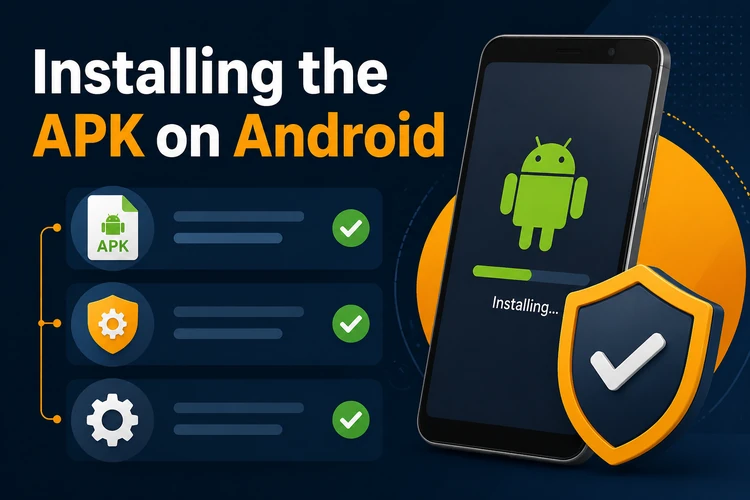
Keep enough free storage for the application and temporary files, and use a stable connection during setup. The exact menu names vary by Android manufacturer, so use the phone's Settings search if the permission is difficult to find. When installation ends, tap Open and log in with your existing details. Installing the file does not create a second account or reset your balance. If Android blocks the file, check that the download completed and that permission was granted to the correct browser.
Main Features
The sportsbook is the main reason many users install the app. Markets can include football, basketball, tennis, cricket and volleyball, with singles and multiples among the available bet types. Live betting refreshes prices during play and may show match statistics beside the market list. Cash out is shown only on eligible slips and can change as the event develops.
Away from sport, the app opens the casino lobby with slots, roulette, blackjack and live dealer tables where available. Notifications can report settled bets or account activity, but they depend on the phone's notification settings and a working connection. Bet history, balance management and account information are found in the user area.
- Quick bet placement with saved stake amounts
- In-play markets with live statistics and available cash-out options
- Slots, table games and live dealer rooms
- Deposits and withdrawals through available mobile-money methods
- Pending and settled slips in one history list
- Alerts for results and account activity
Mobile App vs Mobile Website
Both routes can provide access to the same account and betting services, so the difference is mainly convenience. The app stores its interface on the phone and opens from the home screen. The browser version needs no installation, works on iPhone and can be more practical on a handset with little storage.
Choose the app if you regularly use one Android phone and want a direct shortcut. Stay with the browser if the handset is shared, storage is limited or you do not want to manage APK updates.
| Feature | App | Mobile website |
|---|---|---|
| Speed | Interface loads from the device | Page loads through the browser |
| Performance | Depends mainly on the app and connection | Depends on the browser, device and open tabs |
| Notifications | Push alerts may be available | Browser alerts depend on permissions |
| Use without a browser | Yes, opens from the home screen | Browser required |
| Interface | Built for touch navigation | Responsive layout of the site |
| Updates | May need manual installation | Changes appear on the server |
Safety and Updates
Install only the package taken from the official site. Copies hosted on file-sharing pages or shared in group chats can be repackaged with adware or a modified login screen, and an unfamiliar icon may not reveal the change. If an installer requests permissions unrelated to its operation, such as access to SMS, contacts or call logs, cancel the setup and remove the file.
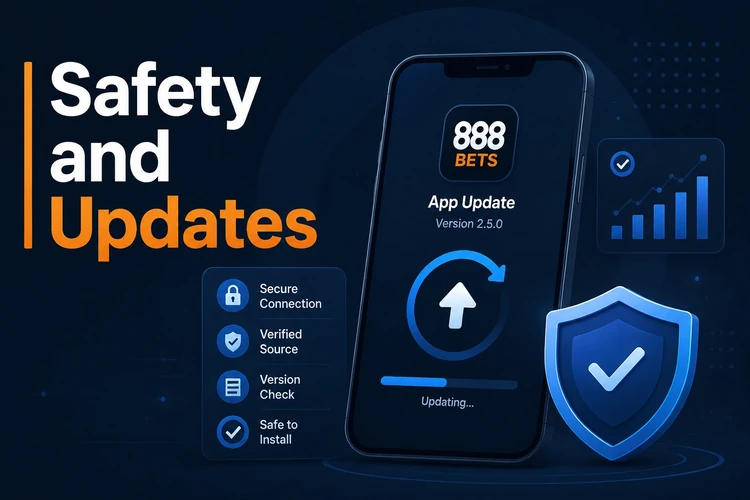
Because the app is installed outside Google Play, updates may not be automatic. Follow an in-app notice when a newer build is offered, or compare the version shown in the app settings with the version on the official download page. Before replacing an older copy, make sure you know your login details and have a stable connection. Installing a legitimate update over the existing copy should preserve the account, but never delete the app while a transaction or bet is still being processed. Set deposit limits that match your budget and read the responsible gambling information if betting stops feeling like entertainment.
FAQ
Yes. The Android package does not have a subscription charge. You may use mobile data while downloading it, and any later deposits or gameplay are separate from the installation itself.
Download the file from the official website, then open it from your notifications or Downloads folder. Android will ask you to allow your browser to install unknown apps the first time. Grant that permission only for the trusted source, then complete the setup.
The draft installation guidance specifies Android 5.0 or later and about 100 MB of free space for the app and temporary files. Menu names differ between manufacturers. Devices with very little storage or memory may work better with the mobile website.
No. Existing login details should access the same account and balance. Installing the app does not create a separate wallet. If you do not have an account, follow the registration process shown inside the official service.
Updates may be manual because the app is not distributed through Google Play. Follow a notice inside the app or compare its version with the one shown on the official download page. Download the replacement only from that source and install it over the existing copy.
It is not recommended. Files hosted on mirror pages, forums or messaging groups can be modified to capture login details or install unwanted software. Use the official website, review requested permissions and cancel the process if anything looks unrelated or unusual.