











Creating an account with 888bet opens access to sports betting, casino games, and live entertainment across Tanzania. Registration is free and usually takes only a few minutes using your mobile number. Once you complete sign-up, you can log in from your device, deposit funds, place bets, review account activity, and request withdrawals when available.
This guide covers the main account tasks: creating your profile, signing in on desktop and mobile, recovering forgotten credentials, opening Aviator after login, and fixing common access errors. It is written for users in Tanzania who want clear steps without guessing which menu or setting to use.
How to Register on 888bet
New users need basic personal details to create an account. The platform accepts registrations from Tanzanian residents aged 18+ who can verify their identity with an active mobile number. Use details that match your ID, because mismatched information can delay verification or withdrawals later.
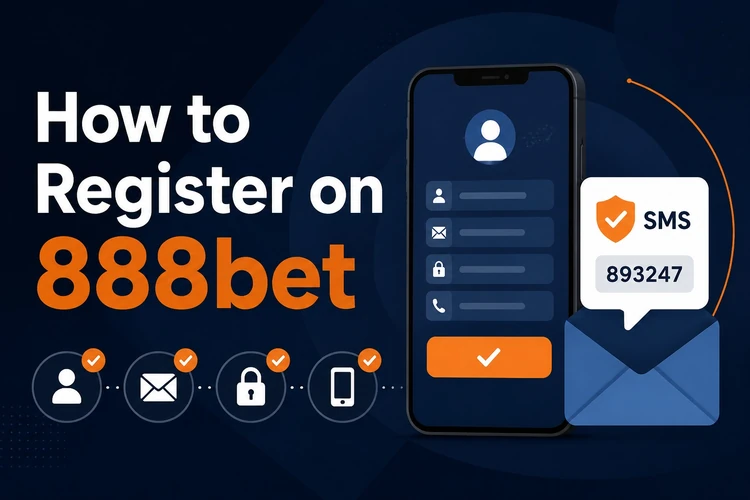
- Open the official site and choose the registration option.
- Enter your full name, date of birth, and mobile number in the requested format.
- Create a password of at least eight characters, mixing letters, numbers, and symbols.
- Enter the SMS verification code sent to your phone.
- Review the terms, confirm that you are 18+, and submit the form.
Keep your mobile number active, because it may be used for password recovery and account verification. If the SMS code does not arrive, wait a short time before requesting a new one; repeated requests can make it harder to know which code is current.
How to Login to 888bet
Once your account is active, logging in takes only a few steps. Open the site in your browser and look for the login button at the top of the page. Enter your registered mobile number in the first field and your password in the second, then check both entries before submitting.
If the credentials are correct, the system redirects you to your account dashboard. You should see your balance, recent activity, and profile menu. To log out, open the account menu and choose the logout option. Always log out on a shared computer, an internet cafe device, or any phone that is not yours.
Login Using Mobile Devices
Mobile access works through the browser version of the site or the dedicated Android app. The browser version adapts to smaller screens, so you can sign in, check markets, and manage your account without installing anything. A stable mobile data connection usually gives a smoother login experience than weak public Wi-Fi.
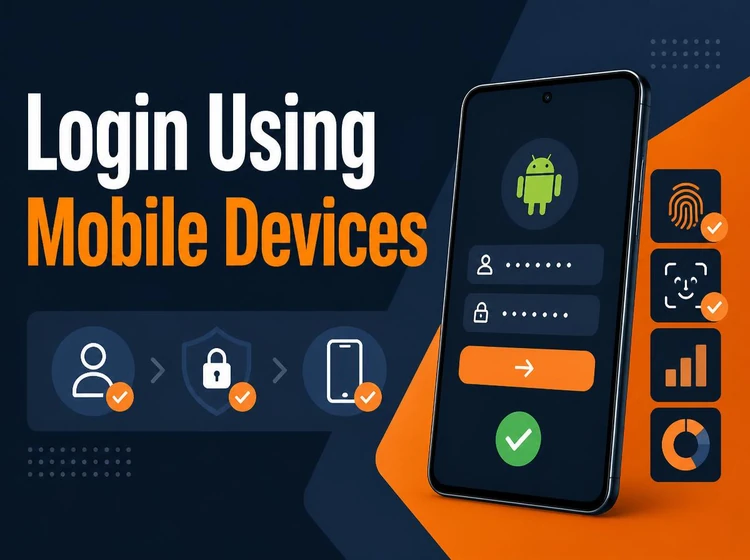
The Android app can be useful if you log in often. Download it from the site, install the APK file only after checking the source, and open the app. Tap login, enter your mobile number and password, and use your phone’s screen lock or biometric tools if your device supports them.
You can use the same account on more than one device. Your balance, bet history, and settings update through the account, not through a single phone. For safety, avoid saving passwords on devices shared with friends or family.
Password Recovery
If you forget your password, select the Forgot Password? link on the login screen. Enter your registered mobile number and request a reset code. When the SMS arrives, type the code into the recovery form and create a new password that you have not used on another site.
The new password should work immediately, while the old one stops working. If the reset code expires, request a fresh code instead of guessing. A password manager can help if you struggle to remember complex credentials, but protect the manager with a strong phone lock.
Account Management
Your dashboard gives you control over personal details, security settings, and communication preferences. You may be able to update some profile fields directly, while sensitive changes can require identity checks. Keep your name, date of birth, and contact details consistent with your documents.
Changing your mobile number needs extra care because the number is tied to login and recovery. Contact support through the contact page and explain what needs to be updated. Have your account details and identification ready if support asks for verification.
You can also review notifications, password settings, and recent transactions from the account area. Keep essential alerts for deposits, withdrawals, and security messages active, even if you turn off promotional updates.
Aviator Login
Aviator does not need a separate account. After you sign in to your main betting account, you can open Aviator from the casino area and use the same wallet balance. Any winnings or losses are recorded in your main account history.
On mobile, launch the game only after confirming you are logged in and your connection is stable. If the game screen freezes, avoid tapping repeatedly; refresh once, then check your bet history before placing another round.
Common Login Errors
Access problems usually come from typing mistakes, expired SMS codes, old app versions, or browser cache issues. The table below gives quick fixes before you contact support.
| Error | Possible cause | What to do |
|---|---|---|
| Incorrect password | Typing mistake or old credential | Reset the password instead of guessing |
| Account locked | Several failed login attempts | Wait for the lock to clear or contact support |
| Verification failed | Wrong or expired SMS code | Request a fresh code and enter it promptly |
| SMS not received | Network delay or wrong number | Check the number and try again after a few minutes |
| App login failed | Old app version or corrupted cache | Update or reinstall the app from the site |
| Browser issue | Cookies or cache blocking login | Clear browser data or try another browser |
If you see an incorrect password message, stop after one or two attempts and use recovery. Verification codes can expire quickly, so keep the login page open while you wait for the SMS. If the app fails after an update, restart your phone and check that the date and time settings are correct.
Security Recommendations
Protecting your account starts with a strong password and a secure phone. Do not use your name, birth year, or mobile number as a password. Never share full login details with anyone, including people claiming to be agents; genuine support staff should not ask for your password.
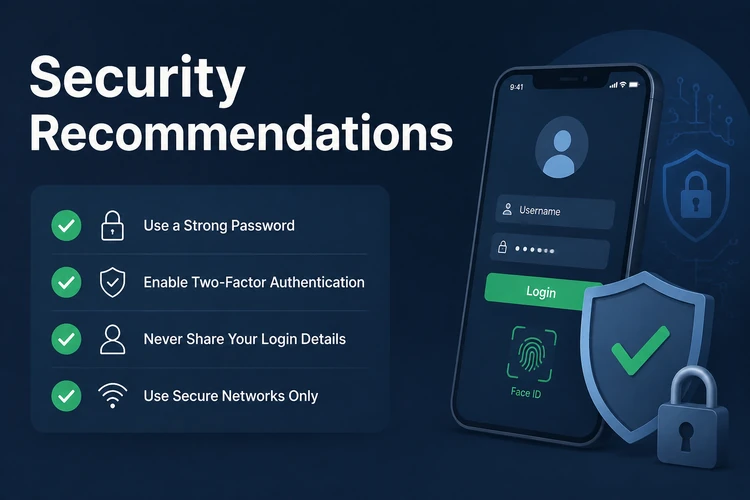
- Use a unique password and change it if you suspect exposure.
- Keep your phone locked with a PIN, pattern, fingerprint, or face unlock.
- Update the app and your phone operating system when updates are available.
- Check the site address before entering credentials.
- Avoid logging in over unsecured public Wi-Fi when making deposits or withdrawals.
Review account activity regularly. If you see bets or withdrawals you did not request, change your password immediately and contact support. You can also use responsible gambling settings to set limits that help control spending and reduce the impact of unauthorized access.
Quick Tips
- Register with a mobile number you can keep long term.
- Take a moment to check every digit before submitting login details.
- Use password recovery early instead of triggering an account lock.
- Download the app only from the site, not from forwarded files.
Summary
888bet account access is based on one registered mobile number and one password. The same profile works on desktop, mobile browser, and the Android app. Most login problems can be fixed by resetting the password, requesting a fresh SMS code, updating the app, or clearing browser data. Keep your phone secure, protect your credentials, and contact support when profile details such as your mobile number need to change.
FAQ
Open the site, select the login button, enter your registered mobile number and password, and submit the form. If the details are correct, your account dashboard will open.
Choose the registration option, enter your personal details and mobile number, create a secure password, and confirm the SMS code sent to your phone. Use details that match your ID.
Yes. Mobile number registration is the standard method in Tanzania. Use an active number because it may be needed for verification and password recovery.
Select Forgot Password? on the login screen, enter your registered mobile number, and use the SMS code to create a new password. Do not keep guessing if the old password fails.
Yes. Install the Android app from the site and sign in with the same mobile number and password you use in the browser.
No. Aviator uses your main 888bet account, so you log in once and open the game from the casino area.